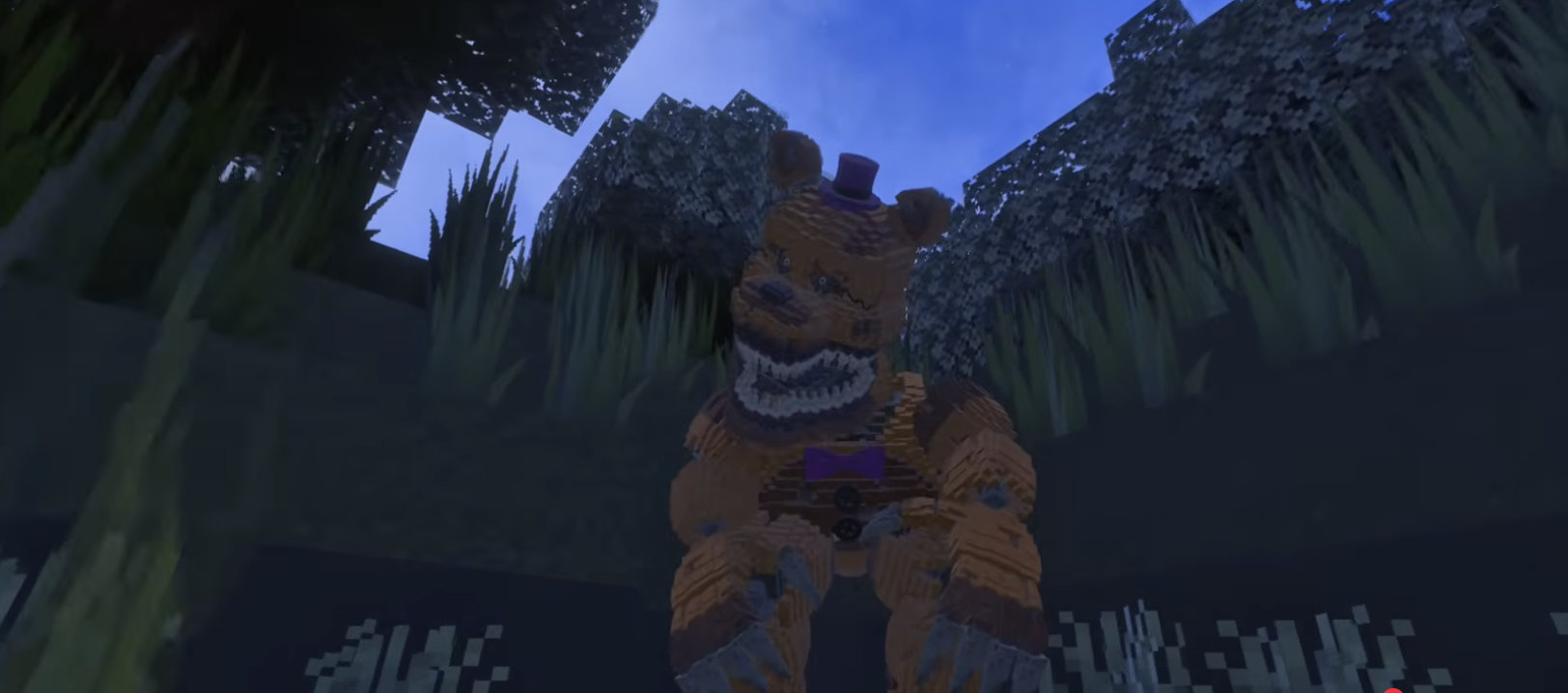
Nightmare Freddy - Minecraft PE Map
Face Your Fears with Jump Scares and Hiding Spots
About Nightmare Freddy
Featuring jump scares, hiding spots, and Freddy
Experience the terror of Nightmare Freddy in this carefully crafted horror map. With jump scares, hiding spots, and atmospheric design, this map delivers a heart-pounding FNAF experience in Minecraft.
How to Download & Install
Getting Nightmare Freddy for Minecraft PE is simple:
- Download the App: Get 99 Nights Addons from the App Store
- Browse Maps: Open the app and go to the "Maps" section
- Find the Map: Search for "Nightmare Freddy" in the collection
- Install: Tap "Install and Open" - the map will automatically open in Minecraft
- Play: Start exploring and enjoy!
Ready to Play Nightmare Freddy?
Download the 99 Nights Addons app and get instant access to this amazing map!
Download 99 Nights Addons App